


Track your time
Start a timer from anywhere, log time against any task, and see the week in one pass.
Track your time
Time Tracking (in the sidebar under Deliver Work) is a grid: every task you’ve tracked gets a row, with its logged time laid out across the days of the week.
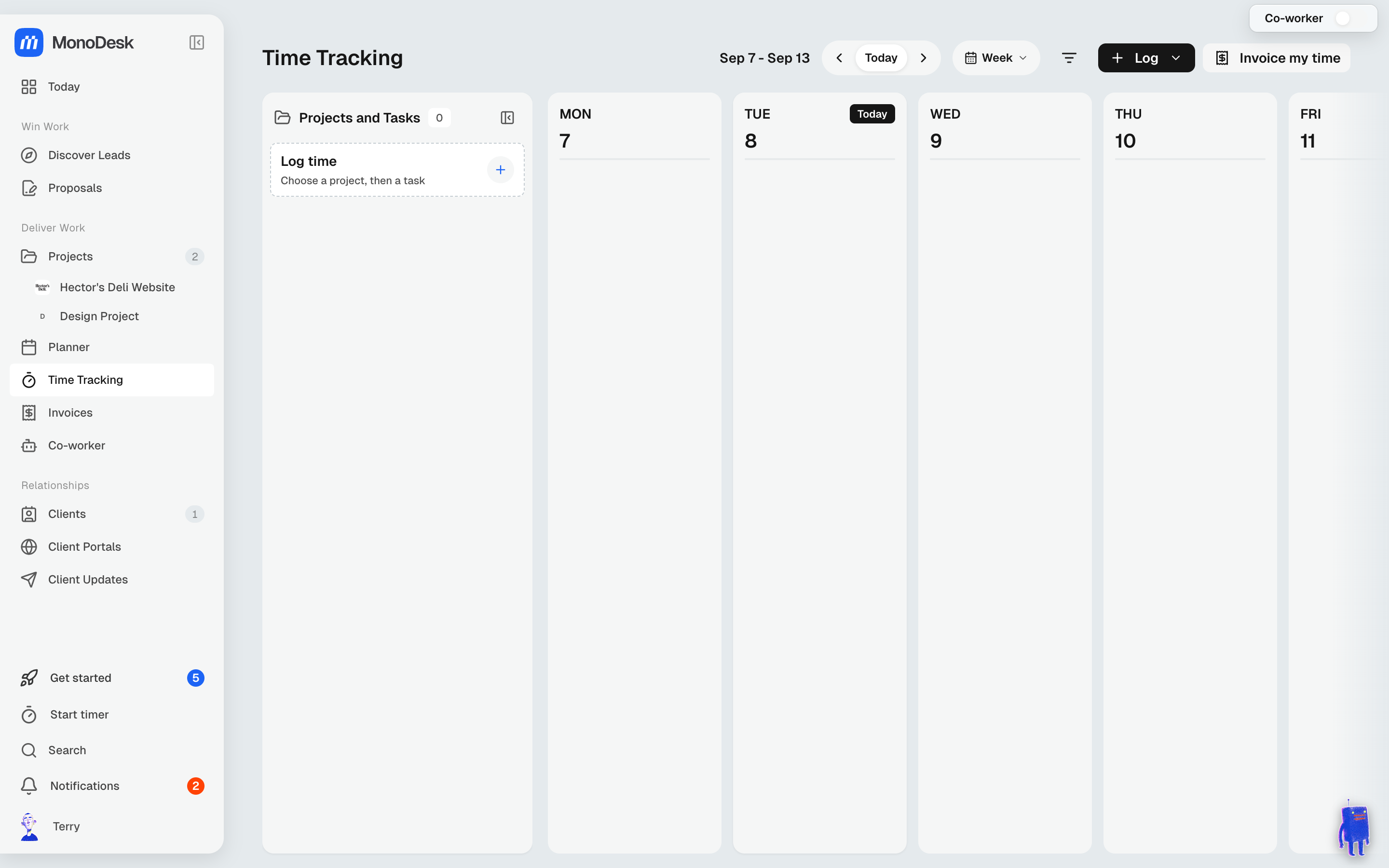
Three ways to log time
- Start timer: always in the sidebar; start it from anywhere and it tracks against the task you pick
- Log time: click any day cell, choose a project, then a task, and enter the hours
- Ask your Co-Worker: forgot a day? Tell it what you worked on and it logs the entries
The timer in your browser tab
While a timer runs, your browser tab’s title shows the time and the task, like ▶ 1:23:45 · Homepage hero, so you can keep an eye on it from other tabs. The normal title comes back when you stop the timer.
Don’t want it? Turn off Show the timer in the browser tab in Settings → Time tracking.
Editing an entry
- Type a duration like 1h 30m or 1:30. If MonoDesk can’t read what you’ve typed, it says so under the box and Save stays off until you fix it
- If a save would take a day past 24 hours, MonoDesk asks “Are you sure you want to log more than 24h on this day?” Click Confirm to save it anyway, or Cancel
- Delete an entry by mistake? A message shows Undo for ten seconds, which puts it straight back
Reading the week
Switch between Day and Week, step back and forward a day or a week at a time, and use Today to jump back to now.
From tracked time to money
Click Invoice my time to turn logged hours into an invoice; see Create & send an invoice.
For what this looks like across MonoDesk, see Time tracking.
Last updated October 23, 2026
