


Sound familiar?
Keeping the work coming in is a job of its own.

“Did I ever get back to them?”
A referral in your inbox. A message on Instagram. A promising call you meant to follow up. None of it in the same place.

Busy this month. Next month, who knows.
You know what you’re working on. What might come next is a spreadsheet you haven’t opened in weeks.

Starting the proposal from scratch. Again.
You’ve already taken the notes and done the research. Now you’re copying it all into another document.

They said yes. Here comes the admin.
Add the client. Make the project. Enter the same details. The work is won, but you’re still setting up.
Know what’s in the pipeline.
Move leads from New through Contacted, Qualified and Proposal sent. See the value in each stage, and across your open pipeline.
Switch between board and list views. Filter by stage or when a lead was added. Keep the wins and losses in view, or archive them when you’re done.
 Lune
Lune  Everyday Coffee
  Envato
  Fishwife
  Graza
Graza All the background, before the next call.
Contact details, notes, files, estimated value and sizing stay with the lead. Link the research, meeting and discovery so you can pick up where you left off.
Need to get to know their business? Run research straight from a new lead.
Explore Discover
You’ve done the groundwork. Use it in the proposal.
Start a proposal from the lead. Your notes, value, sizing and linked research help shape the draft, with room to add more files as you go.
Your Co-Worker can help too. Give it the lead as context to start research or a proposal, or ask it to update the details.
Explore Proposals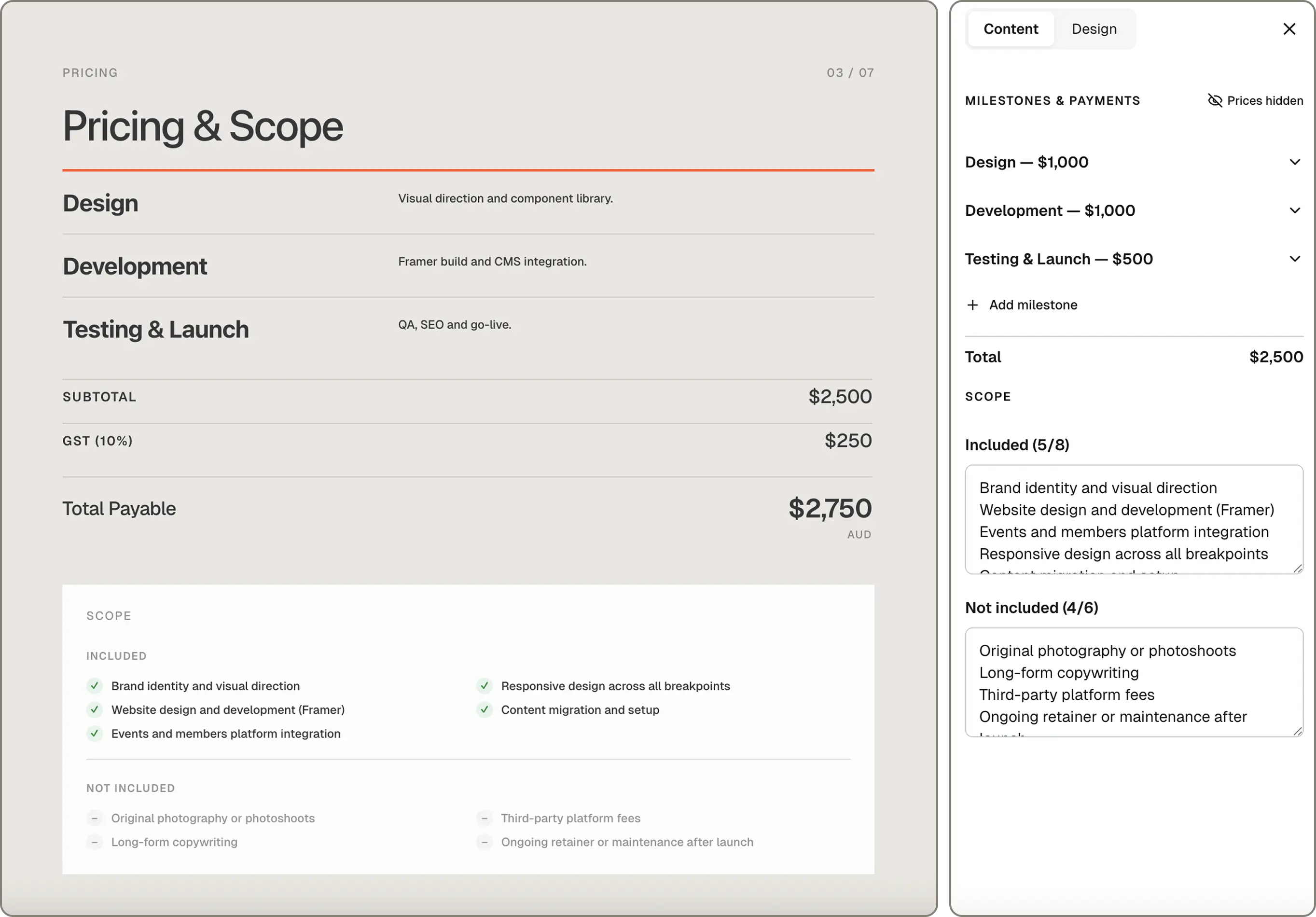
They said yes. Make them a client.
Mark a lead as won to create a client or connect it to one you already work with. Create a project in the same step and get on with the work.
The lead stays linked to the client. If the work doesn’t go ahead, mark it as lost and record why.
Explore Clients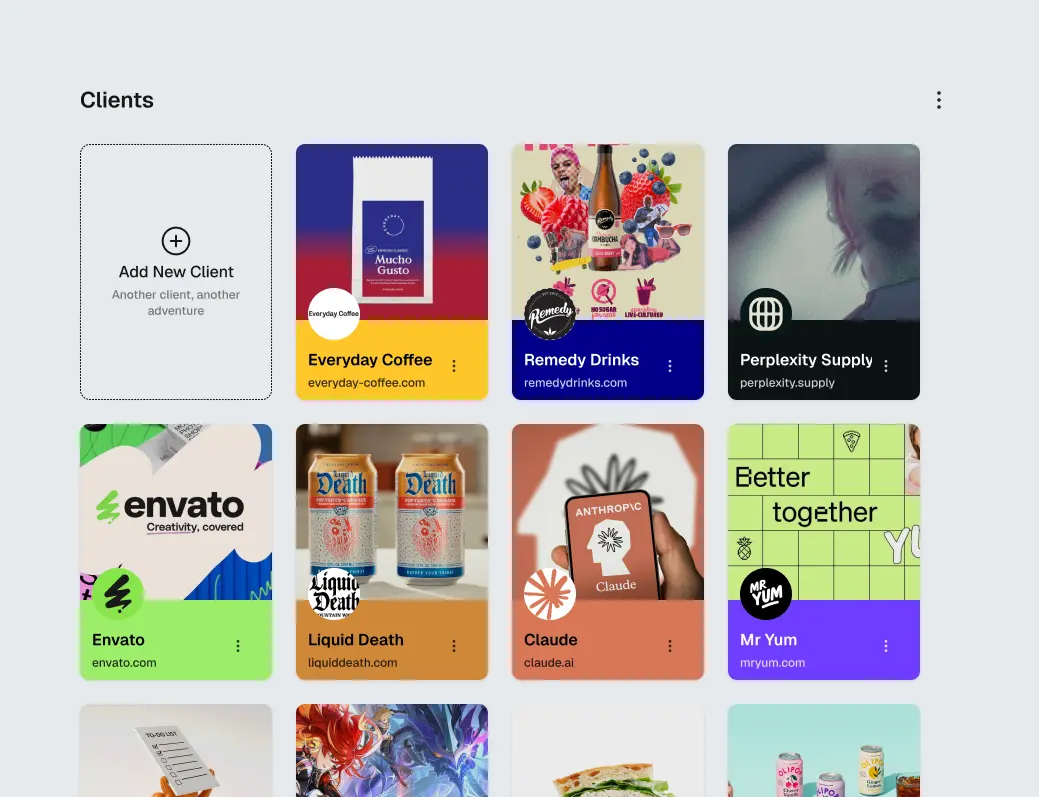
Built for creative professionals.

Solo Freelancers
Keep track of new enquiries while you’re busy delivering. Your next project has a place alongside your current ones.
Explore freelancer workspace Teams
Creative Teams
See what work could be coming in. Keep the notes, research and proposals together so everyone can pick up the conversation.
Explore team workspaceRelated features
Help articles
How this works in MonoDesk, from the Discover & leads section of the help centre.