


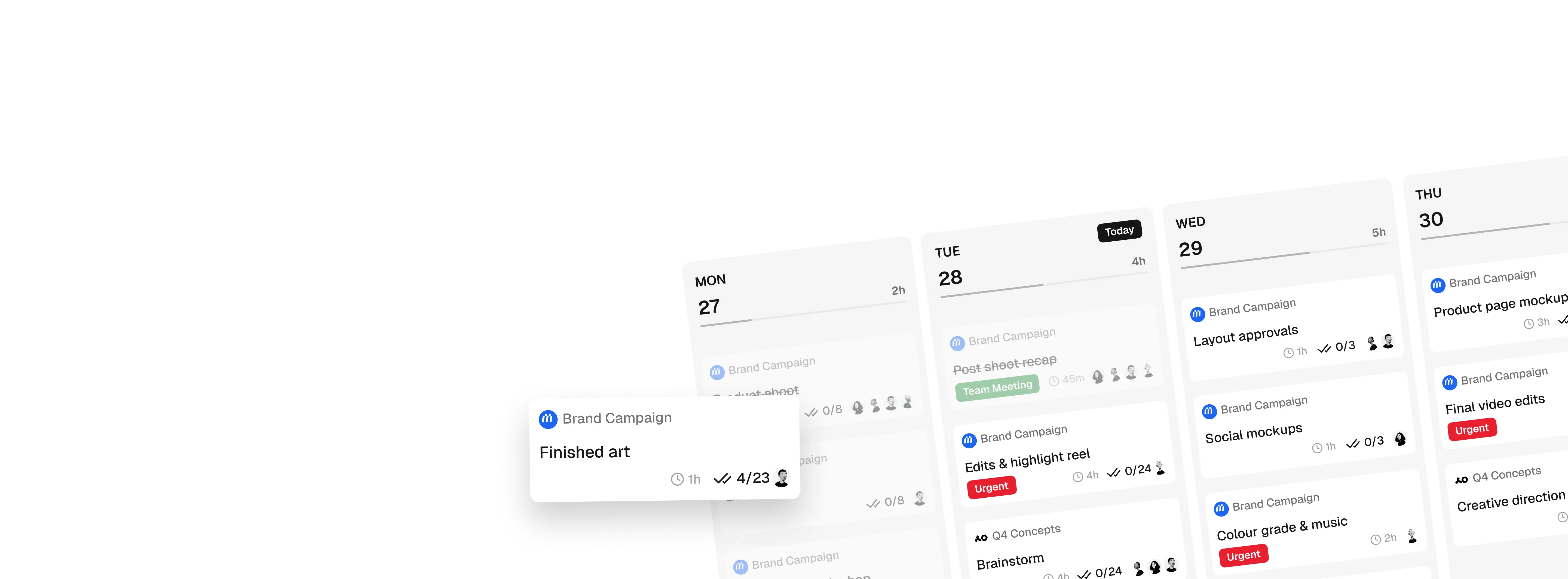
Your week,
at a glance
Every task, deadline, and deliverable across all your projects in one weekly view. See what's coming without opening every project board.
This week
10–14 Aug · 11 tasks
Tuesday
6h 30m planned
Deadlines
that stay visible
Switch to the month view and see every task and deadline laid out across the calendar. Nothing hides in a board you forgot to check.
August
Every deadline, all projects
Every detail,
one click away
Click into any task to see the full picture — description, subtasks, time estimates, and which project it belongs to. No digging through boards to find what you need.
Packaging dielines
Brand refresh · Everyday Coffee
Three SKUs, 250g and 1kg. Waiting on final weights from the roastery before the folds can be locked.
Your meetings,
pulled into your week
Connect your Google Calendar once and every meeting shows up right alongside your tasks. No more checking your calendar separately to see if today is actually free.
 Planner
- 10:00 AM Client call — Everyday Coffee From Calendar
- 1:30 PM Team standup From Calendar
- 4:00 PM Dentist appointment From Calendar
Planning is one job.
Tracking is another
The Planner answers what is coming. Time Tracking answers where it went. They are two places doing two jobs, sitting next to each other in the nav.
Start a timer on any task from the card you are already looking at, and it lands on the Time Tracking grid, one row per task, laid out across the week.
Forgot to track a day? Your Co-Worker will reconstruct it from your schedule and completed tasks for you to approve.
Two places, side by side
How they sit in your workspace
Built for creative professionals.

Solo Freelancers
For the creative who runs the whole show, MonoDesk handles everything around the project you hate doing.
Explore freelancer workspace Teams
Creative Teams
For small agencies and studios, no more scattered context, MonoDesk keeps everyone across every project on the same page.
Explore team workspaceRelated features
Help articles
How this works in MonoDesk, from the Planner & Today section of the help centre.