


Research a business
Name a business, check the links, and get a report on their brand, market and competitors.
Research a business
Research does the homework on a business before you meet them. Use it on a new lead, a client you already have, or one of your client’s competitors.
Don’t see Research in your sidebar? Your workspace may still use Discover. See Research a lead instead.
Start a report
Open Research in the sidebar and click New research.
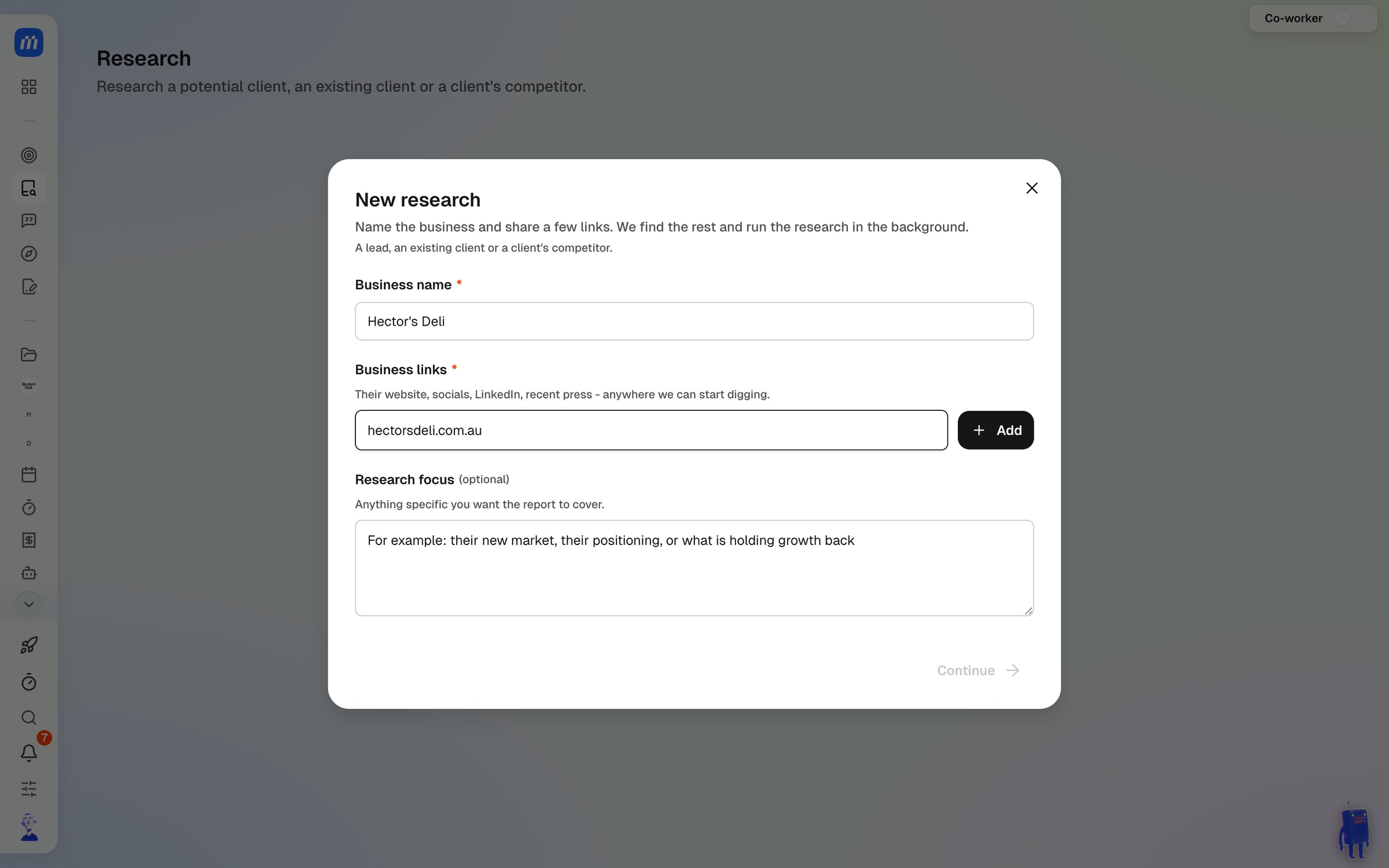
- Enter the Business name.
- Add at least one Business link, like their website, socials, LinkedIn or a recent press piece. Click Add after each one.
- Add a Research focus if you want the report to cover something specific, like a new market they’re moving into or what’s holding them back. This is optional.
- Click Continue.
Check the links
MonoDesk looks for the business’s website pages, socials, listings and press, then asks you to check what it found.
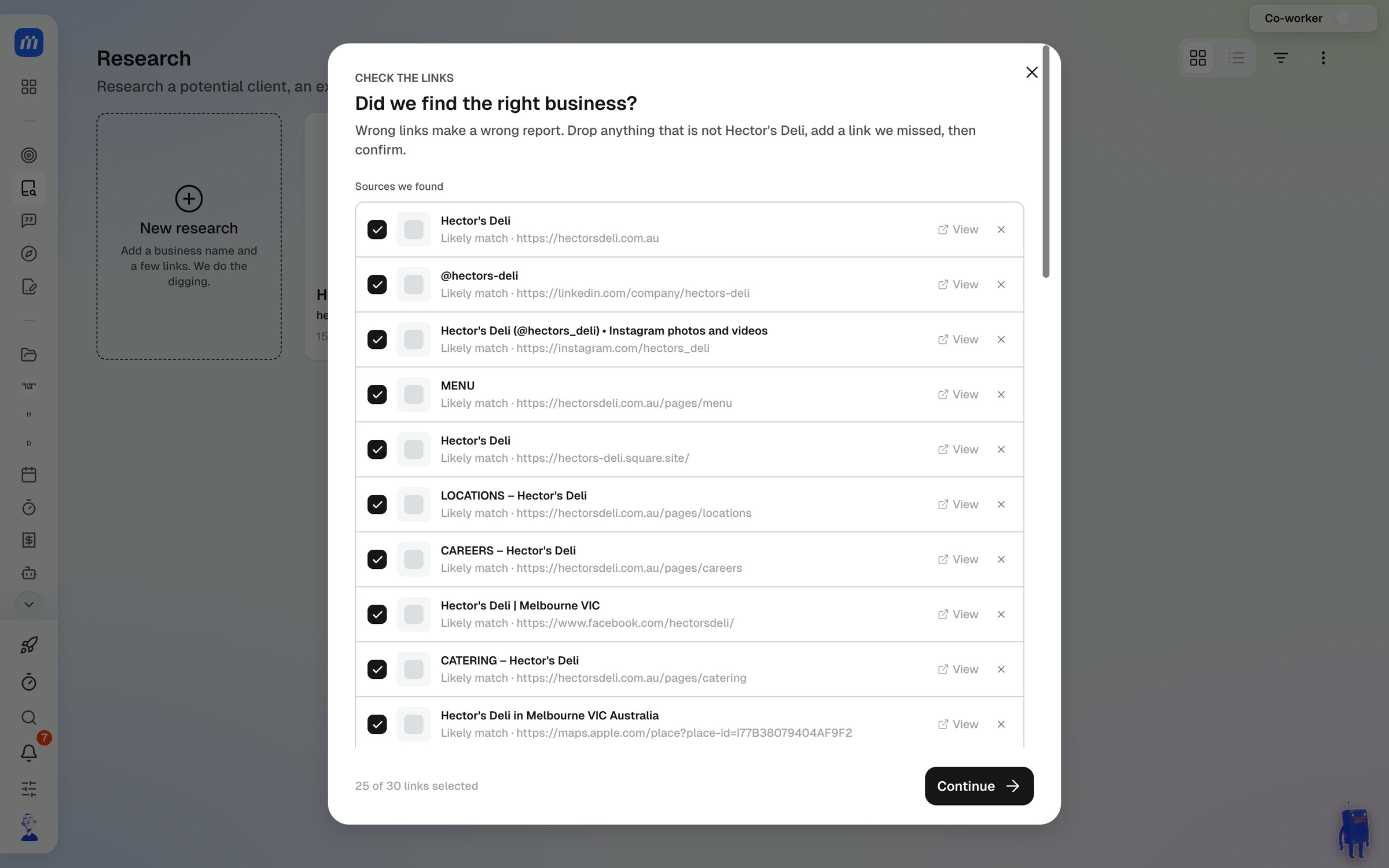
Untick anything that isn’t the right business and add any link it missed. Wrong links make a wrong report, so it’s worth a quick look. Then click Continue.
The research runs in the background and usually takes 3 to 5 minutes. You can close the window and carry on. MonoDesk lets you know when the report is ready.
Read the report
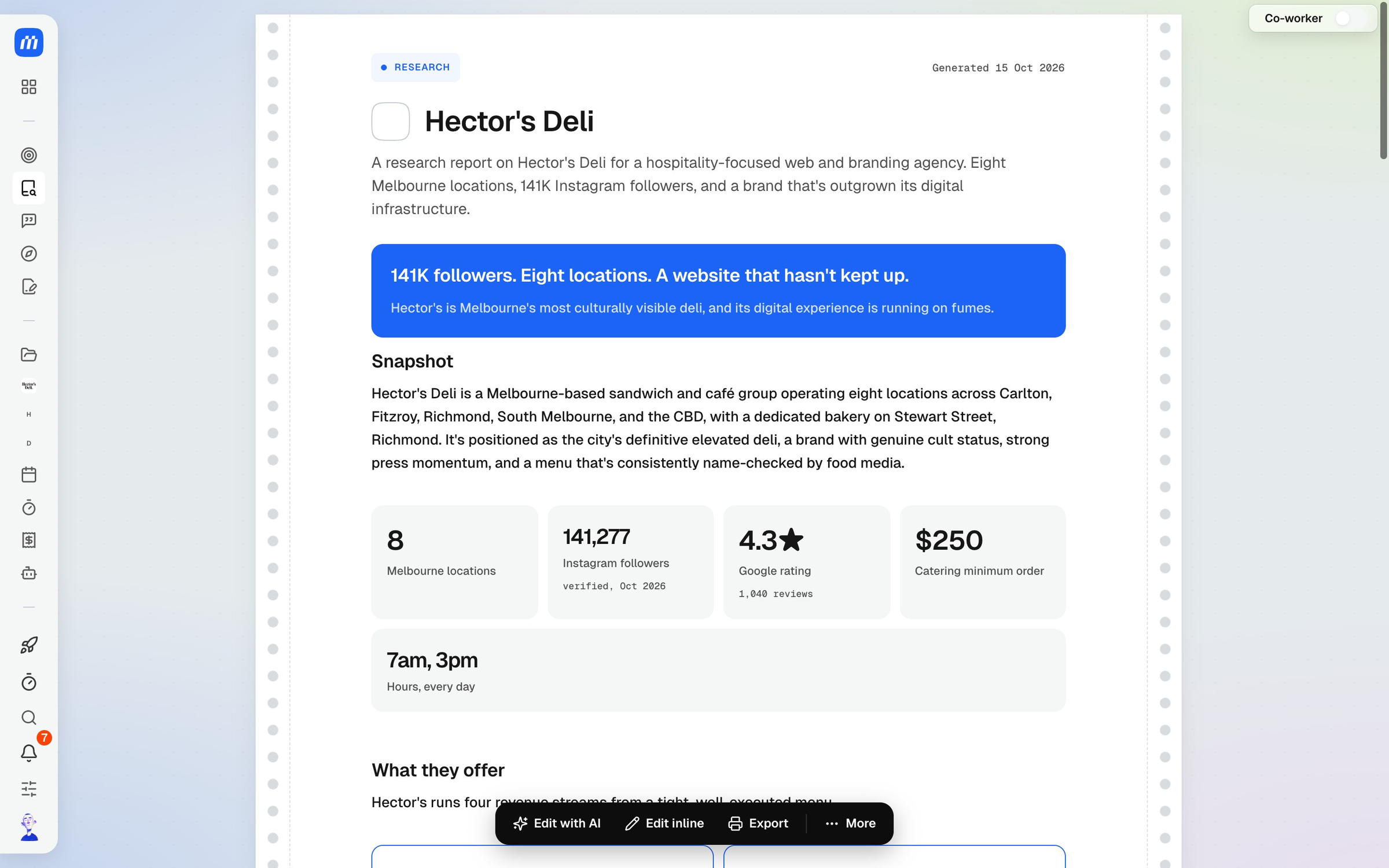
Open the report from Research. It starts with a headline finding and a snapshot of the numbers that matter, like locations, followers, reviews and pricing.
Further down you’ll find:
- What they offer and who it’s for
- Their brand and visual identity, including colours
- Market position, with a comparison against their closest competitors and a timeline of recent moves
- Strengths, weaknesses, opportunities and threats, plus anything worth flagging before you meet
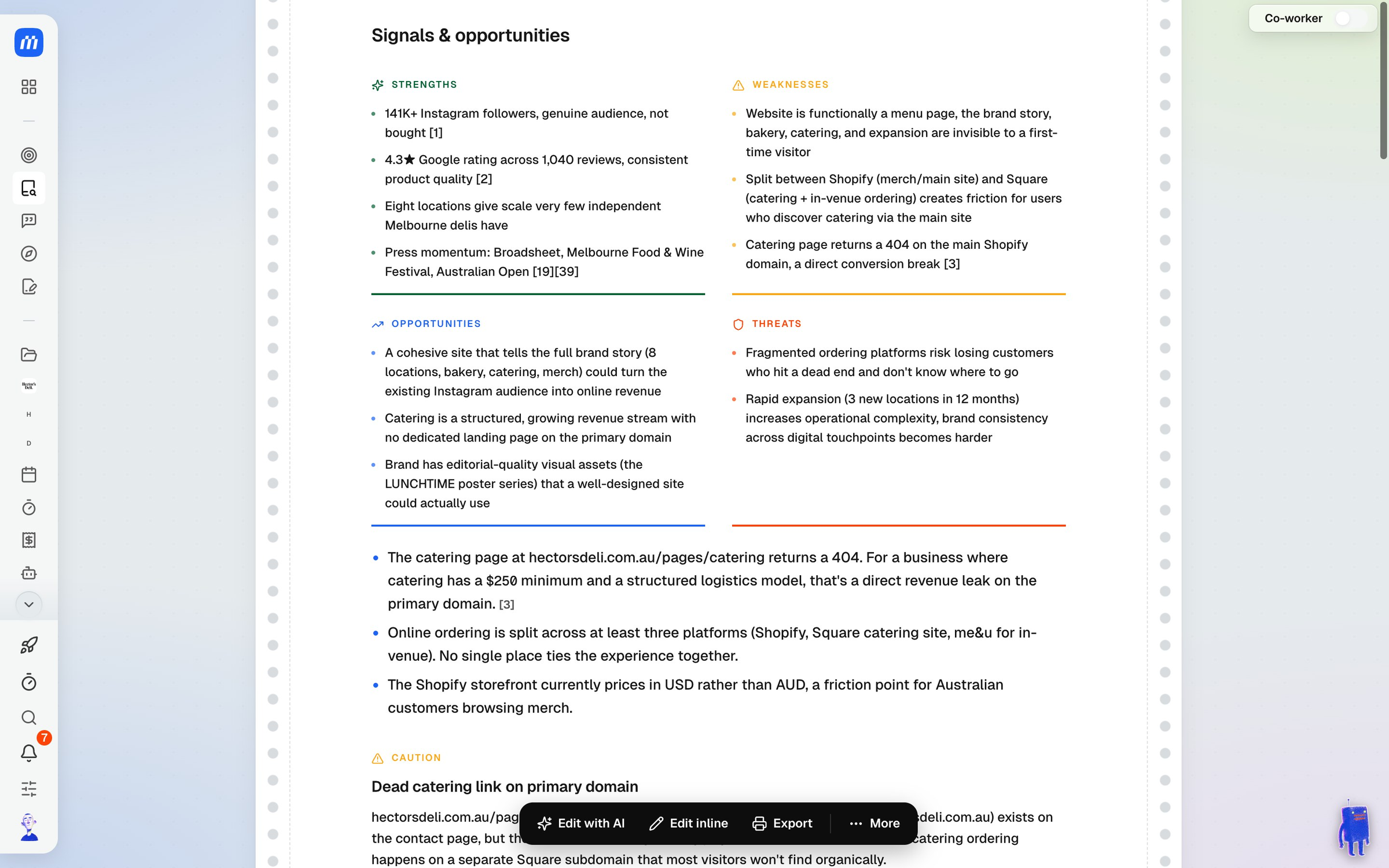
Numbers in square brackets are citations. They link to the source, so you can check a claim before you repeat it.
Edit, export or re-run
The toolbar at the bottom of the report has:
- Edit with AI to ask your Co-Worker to rewrite or tighten a section
- Edit inline to change the text yourself
- Export to share the report
- More for Re-run research, Archive this research and the next steps below
Take it further
From More, choose Set up a meeting with this business to plan a meeting with the report attached. The agenda is drafted from what the research found. See Plan a meeting.
If the report isn’t linked to a client yet, Create a client from this research adds them as a client in one step.
For what this looks like across MonoDesk, see Research.
Last updated October 15, 2026
