


Project files
One place for everything attached to the work, including notes your Co-worker can read and edit.
Project files
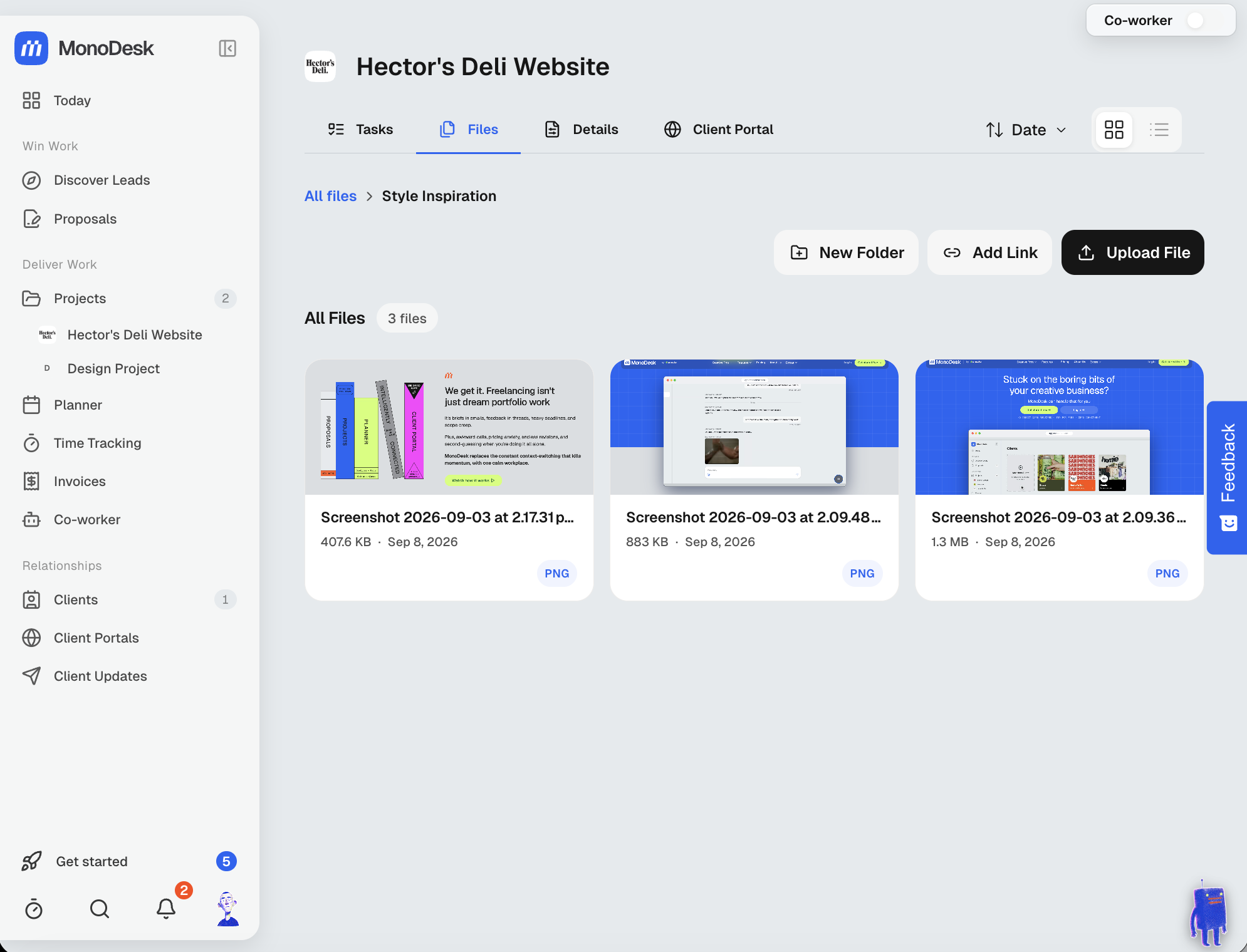
Every project has a Files tab: briefs, assets, exports, notes and everything else attached to the work, in one place.
Worth knowing
- Folders keep bigger projects tidy (think Style Inspiration, Client Assets, Finals), with breadcrumbs to move around
- Add Link saves a URL alongside your files, so the Figma file and the shared drive live in the same list as the uploads
- Files show as visual thumbnails; switch between grid and list views, and sort by date
- Files your client sends through a portal request land against the project too, so you’re not fishing them out of email
- Attach files or links to portal deliverables when you send work for approval
Notes
Click New Note at the top of a project’s Files tab to start a note. It opens as a full page and saves as you type. Use markdown shortcuts, or type / for headings, lists, checklists, quotes, code, dividers and images. You can paste or drop images straight in.
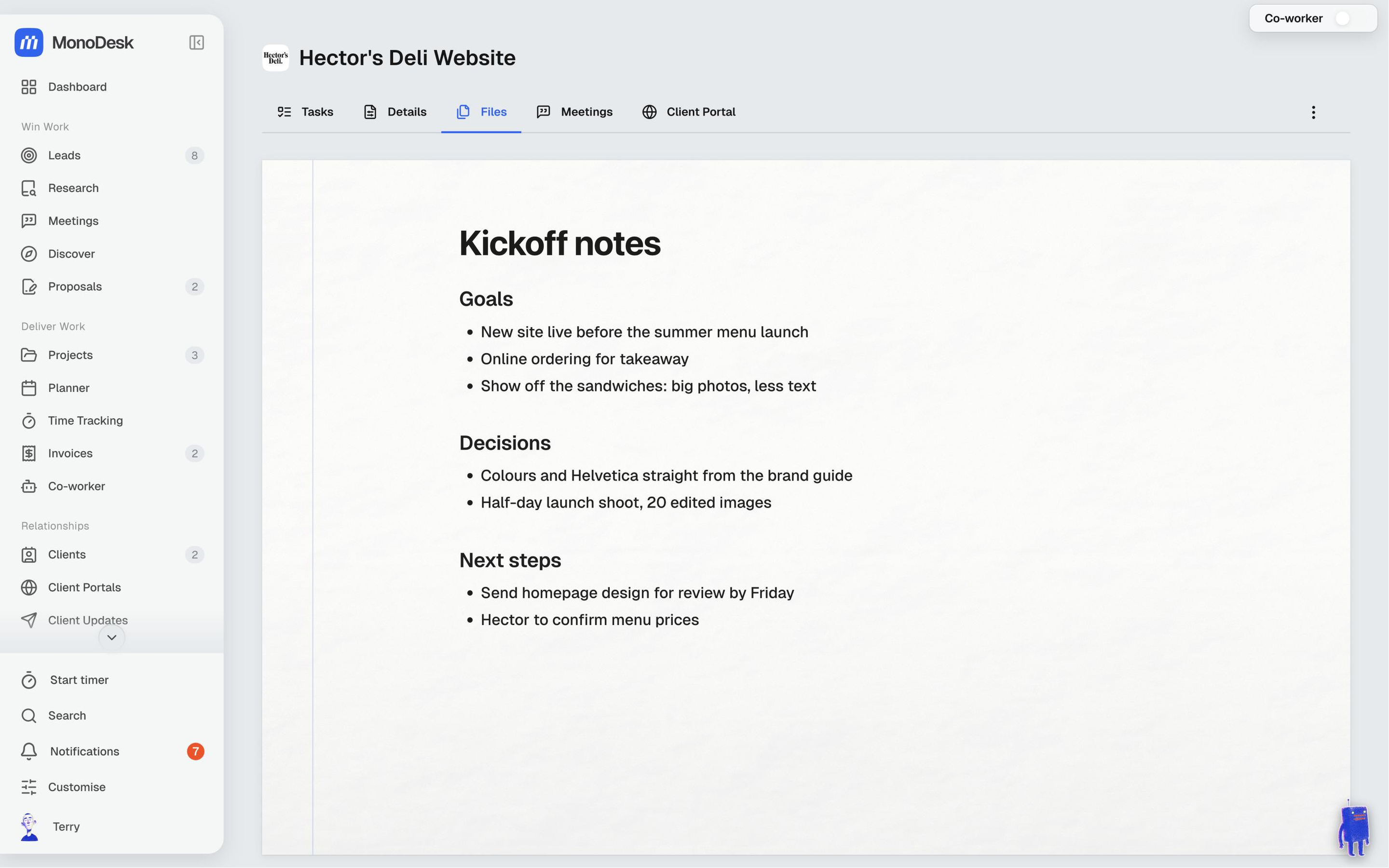
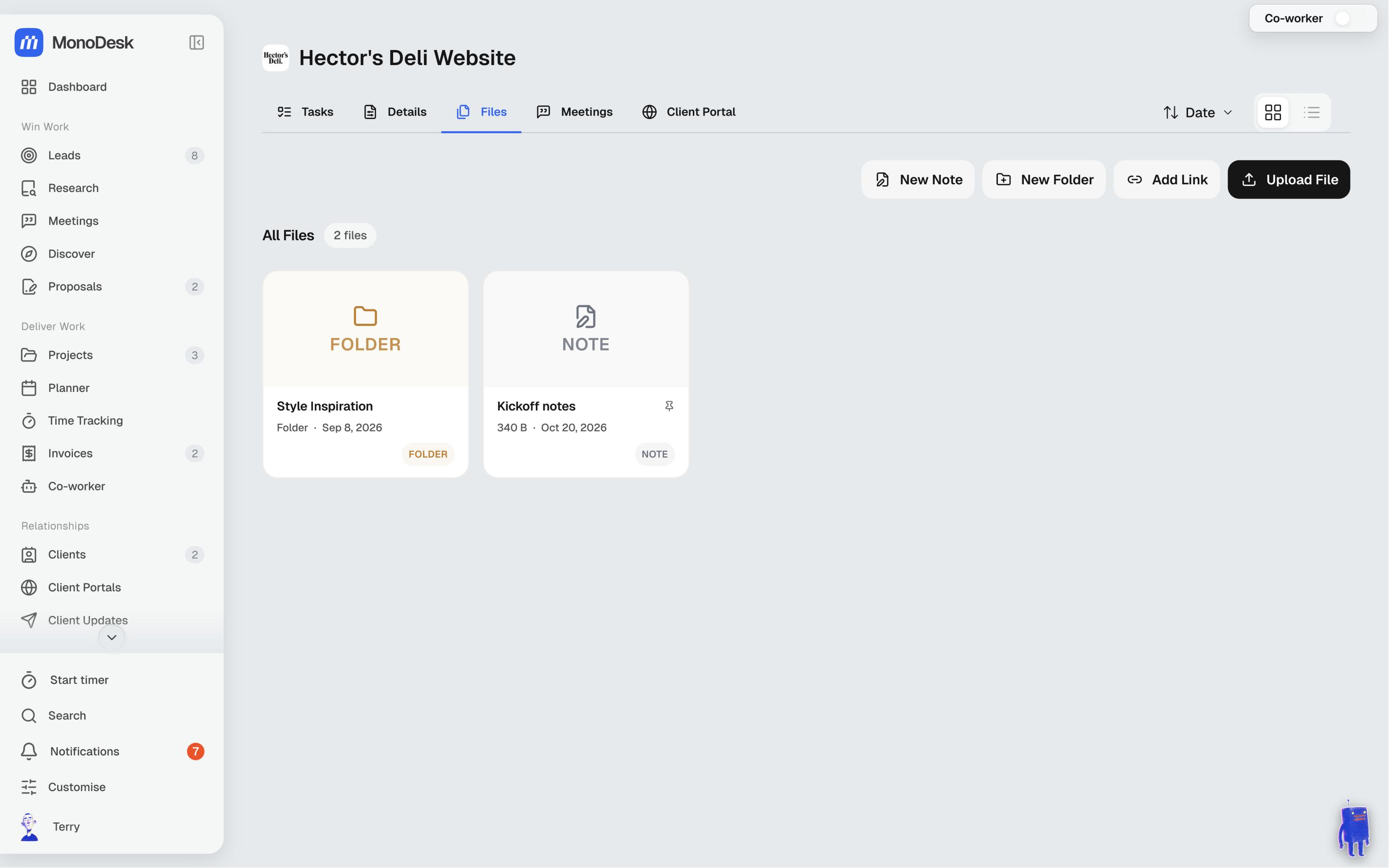
A note is a file like any other, so you can put it in a folder, move it or share it. Uploaded .md and .txt files open the same way. Every note shows as a NOTE tile in the list.
Notes work well with your Co-worker:
- Open it from a note and it knows which note you’re on, so “add a bullet to Next up” or “translate this into French” edits that note. The page updates as it writes
- In any chat, type @ to pick a project and then one of its files or notes
- Click Save as note under a useful reply to keep it
A note you share in the client portal opens there as a read-only page. Images in notes aren’t shown in the portal yet.
Pin things to the top
Hover a file, note or folder and click the pin icon (Pin to top). It moves to the top of the folder you’re in, for everyone on your team. Click it again to Unpin.
- Pinned items keep the order you pinned them in, and each new pin joins the end of the group
- Pinned folders sit above everything else
- A small pin shows after the name
Only people who can edit files can pin them.
On a phone
There’s no hover on a phone, so press and hold a file for about half a second instead. A menu opens with Pin to top (or Unpin), Edit, Share, Download (Open link for a saved link) and Delete. Folders get Pin to top, Edit folder and Delete. A quick tap still opens the file.
For what this looks like across MonoDesk, see Projects.
Last updated October 23, 2026
