


Invite your team
Teams, roles and per-person feature access: how studios share one workspace.
Invite your team
Your team is your shared workspace, what other tools call an organisation. Everyone in it works from the same Clients and Projects.
Inviting people
- Go to Settings → Team
- Click Invite member
- Choose their role:
- Viewers can look
- Editors can make changes
- Admins can also manage the team
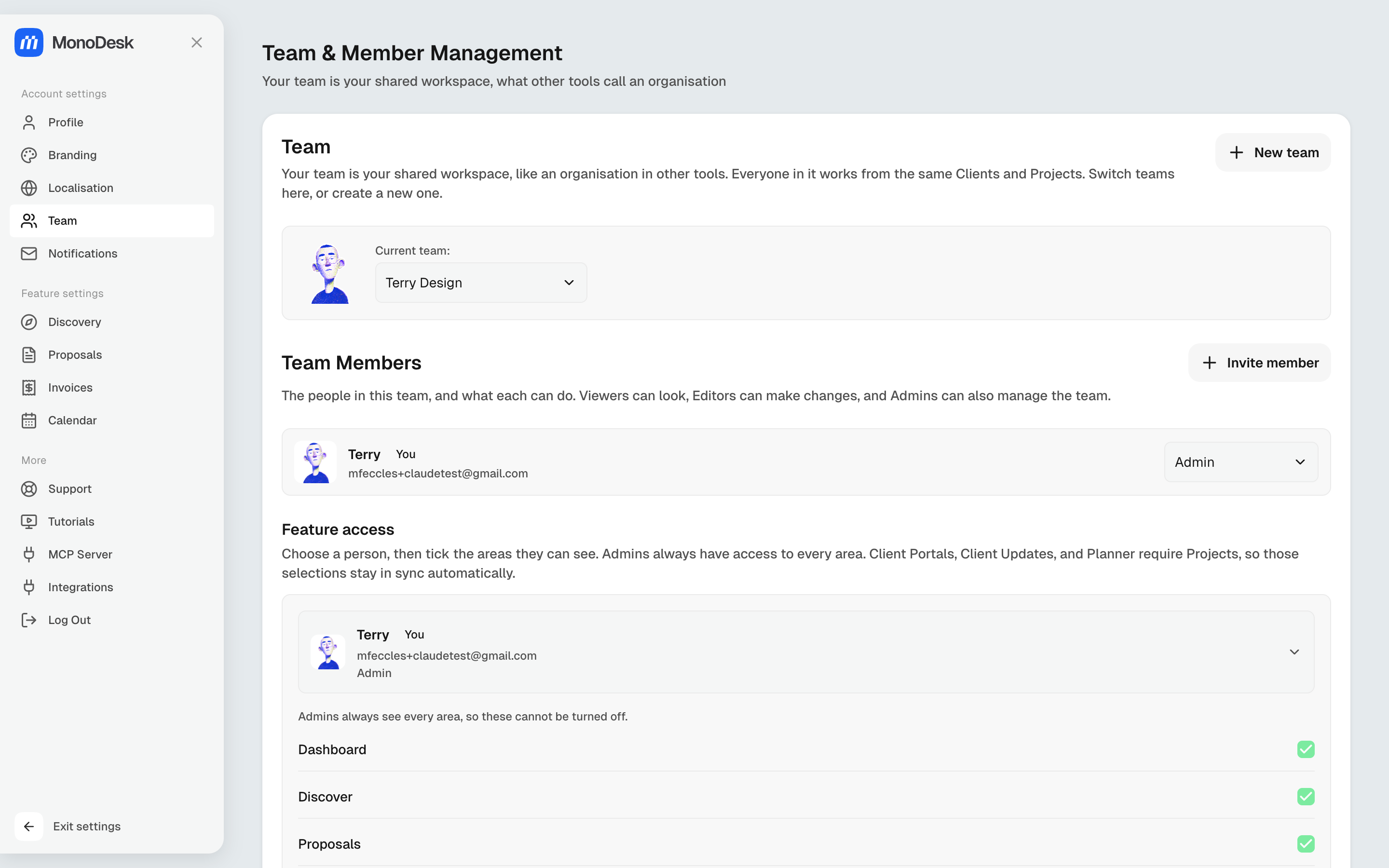
Feature access
You can control which areas each person sees per member (Discover, Proposals, Invoices, Projects, Client Portals, Planner, Time Tracking and Clients). Admins always see everything, and areas that depend on each other stay in sync automatically (Client Portals, Client Updates and Planner all need Projects).
More than one team
Run separate workspaces (say, your studio and a side venture) and switch between them from the same screen; New team creates another.
For what this looks like across MonoDesk, see Teams.
Last updated September 8, 2026
Was this article helpful?
