


Create & send a proposal
Pick a starting point, draft from a brief or a voice note, build it from page templates, share a branded link, and turn a yes into a project.
Create & send a proposal
Proposals (under Win Work) tracks everything in progress, sent, and won.
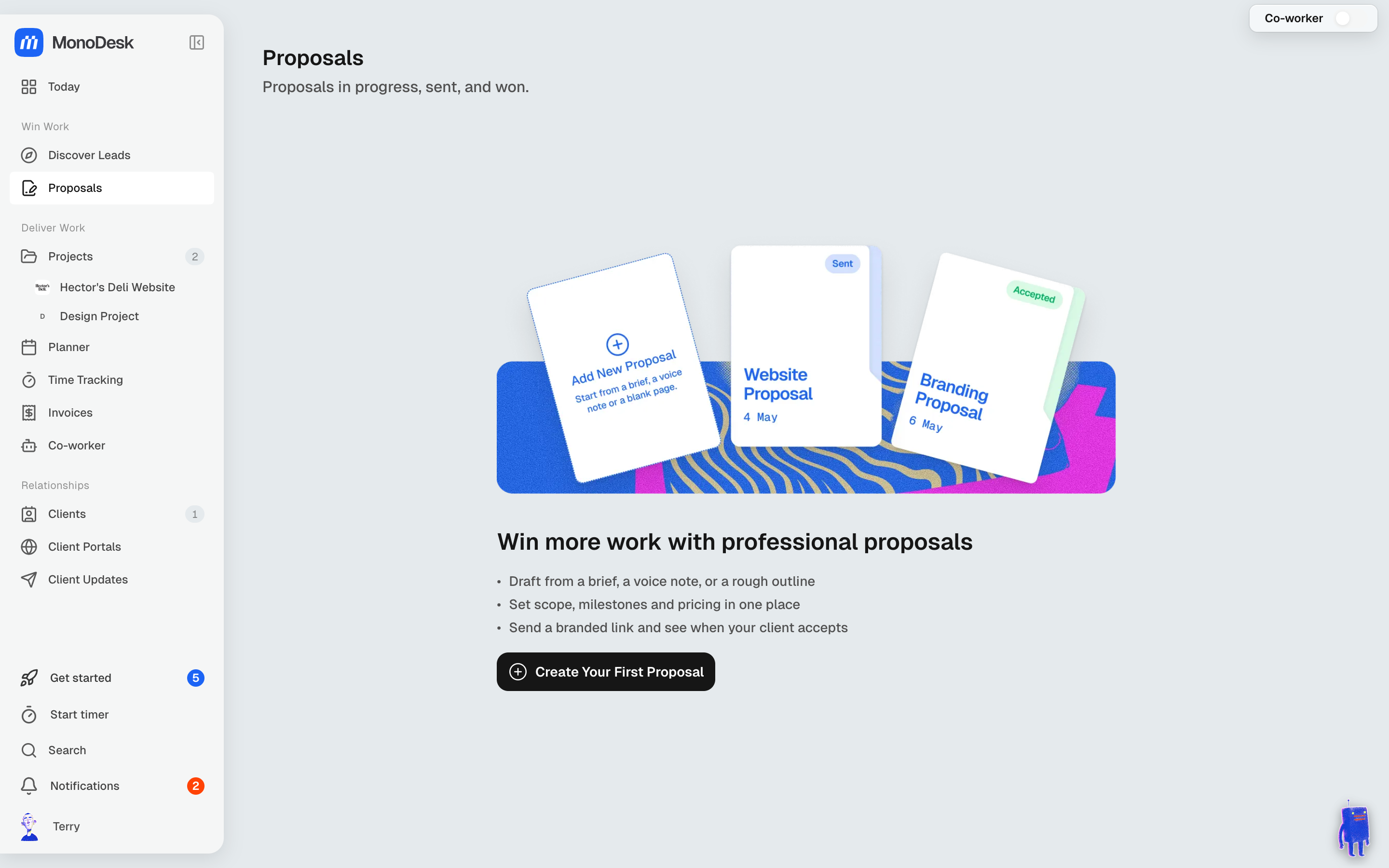
Starting a proposal
Click Create Proposal (or the Add New Proposal card) and pick a starting point:
- Your templates: proposals you’ve saved with Save as Template, content and prices included
- Looks: ten designs, shown in your brand colours or in their own
- Start from: Upload a PDF of your own design, Link a Figma file, or a Blank proposal
Picking a template or Look takes you to Tell us about the job. Type the brief, attach files, add a meeting or a Voice note, and choose the client or lead in the Client field. Everything here is optional:
- With something to read, Draft my proposal has your Co-worker write it. It takes about 30 seconds, and the editor opens when it’s ready.
- With nothing, the Look opens filled with example content for you to replace. Start blank instead opens it empty.
The editor
A proposal is a set of pages:
- Pages sit down the left. Add page lets you pick a page type (Overview, Why us, Pricing, Case studies, Team, Showcase and more) and then a layout for it. Upload a page brings in one of your own: an image, a PDF, a Figma frame or Google Slides.
- Content, Design, Pricing and Details are tabs on the right. Design is where you change the Look, colours, fonts, and whether the proposal reads as a Document or a Web page.
- Co-worker at the top of the editor opens a chat that can edit the proposal for you. Actions next to it holds everything else you can do with the proposal.
Both side panels collapse to a slim strip, so the page gets more room. On a phone, MonoDesk suggests a bigger screen first; tap Continue to edit there anyway. The side panels are hidden there, and the buttons above the page open the page list or the editing panel, one at a time.
Showing your work
The Showcase page (“Our work”) puts pictures, GIFs and video front and centre. Its layouts are Mosaic, Story split, Two up and Grid of six, and you can swap between them without losing anything. Pictures and video has more layouts, including Edge to edge and Contact sheet.
Every picture tile takes a still, an animated GIF, or an uploaded video (MP4, WebM or MOV, up to 100 MB). In the Content tab you can drop several files at once to fill the empty tiles in order, then drag to reorder, add captions and alt text.
On a web page, videos play muted and on a loop while they’re on screen, with a sound toggle. The PDF shows a still from the video instead.
Sharing it
Open Actions and choose Share Proposal. Copy link gives you a branded link to send your client, or use Download PDF. Client Preview in the same menu shows you exactly what they’ll see.
Copying the link doesn’t change the proposal’s status. Once you’ve sent it, choose Mark as Sent from Actions. If the proposal is linked to a lead that’s at an earlier stage, the lead moves to Proposal sent.
When your client opens the link they can accept it there, and you’ll see when they do.
When they say yes
Choose Convert to Project from Actions. It sets up the project with its client, milestones and tasks, and can also:
- Create the project with its budget, copying the agreed price and hours onto the project’s billing
- Draft a deposit invoice (nothing is sent)
- Invite the client to the portal
You don’t have to mark the proposal accepted first. If it’s still pending, or was declined, converting it marks it as accepted.
The new project links back to the proposal: you’ll see From proposal on the project’s Details tab. If your client opened the proposal from its link, their client portal also shows it as Your proposal under Project Documents.
To bill straight from a proposal, choose Create Invoice from Actions. See Create & send an invoice.
Proposal defaults live under Settings → Feature settings → Proposals. Your logo, colours and fonts come from Settings → Branding.
For what this looks like across MonoDesk, see Proposals.
Last updated October 23, 2026
