


Meet your Co-Worker (and the page that greets you every morning)
The AI Agent is now Co-Worker, with its own mode, one-click shortcuts, and guided intake for the admin you keep putting off. Today is the page that greets you before any of it.

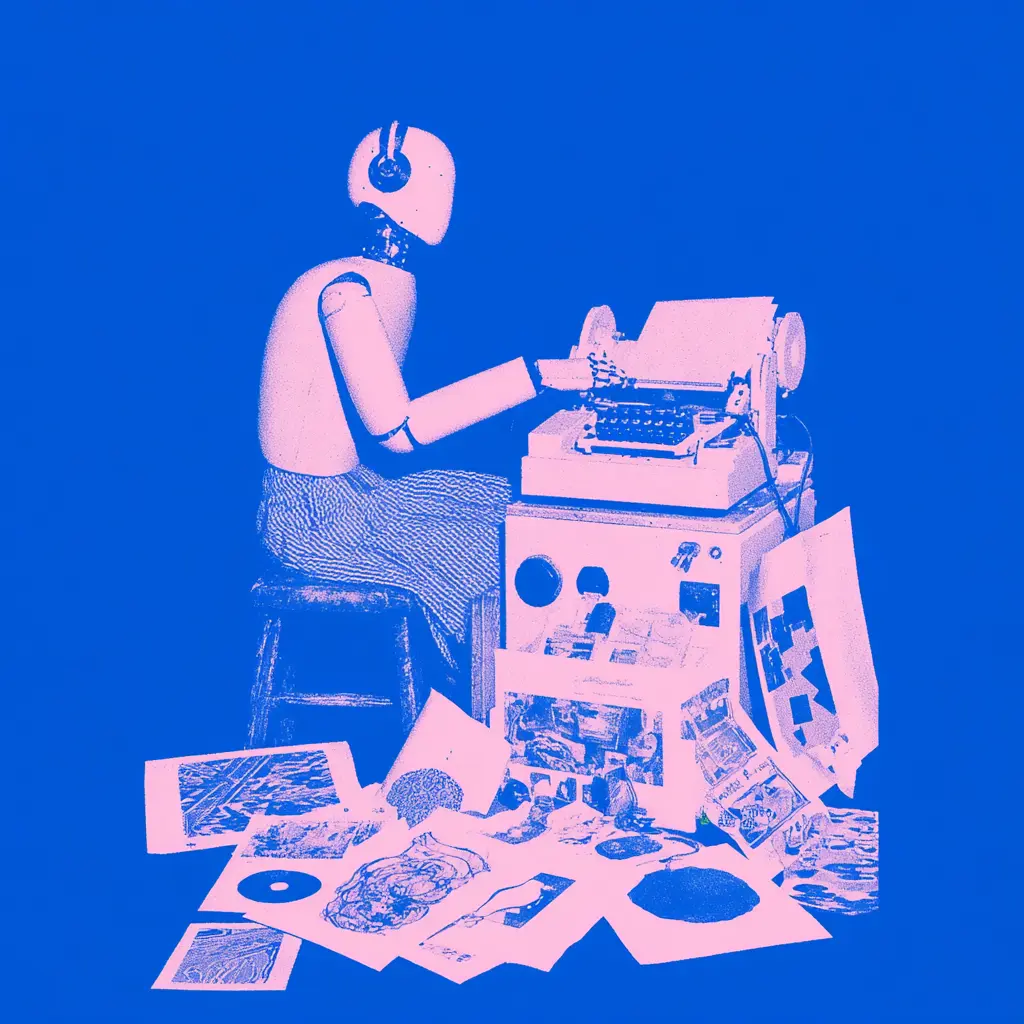
TL;DR: The AI Agent is now Co-Worker. It has its own focused mode, eleven one-click shortcuts that run on your real data, and guided flows for starting invoices, proposals and client research. Alongside it, Today gives you one page every morning that tells you what actually needs you. Both are live for everyone.
Why the name changed
“Agent” was accurate and slightly cold. It described a thing that runs on your behalf, which is only half of what this does.
The half we kept getting wrong in our own copy is that it works with you. It drafts, you finish. It starts an invoice, you set the numbers. It reconstructs a day you forgot to track, you approve the entries. Nothing it produces reaches a client without you sending it.
“Co-Worker” says that in one word, so we’ve moved the whole product onto it.
Co-Worker mode
There’s a toggle now. Flip it and MonoDesk becomes a focused workspace built around the conversation rather than the sidebar. Flip it back and you’re exactly where you were.
It matters more than it sounds. The old chat panel was something you glanced at next to your work. The mode is somewhere you go to get a thing done, and then leave.
Shortcuts, on your actual work
Eleven one-click workflows, each running against your own clients, projects, tasks and files rather than generic advice:
- Plan my day — your schedule and open tasks become today’s plan
- What’s due this week — everything due, ranked by urgency
- Triage my tasks — flags what’s urgent or gone stale, and labels it
- Log my time — reconstructs a day you forgot to track
- New project from a brief — a brief becomes a project with tasks
- Draft a client update — recent progress becomes something client-ready
- Start an invoice, Start a proposal, Start a discovery — each opens a guided flow and hands you a real draft in the real editor
- Add a client, Find fonts & brand refs
The pattern is the same throughout: it gets you past the blank page, then gets out of the way.
It knows your work, not the internet’s
Co-Worker runs through more than 80 tools against your own workspace. That’s the difference between “write me a project update” and “write the update for Everyday Coffee based on what actually shipped this fortnight”.
Writes are approval-gated. It will ask before it changes anything, and it has no route to your clients that doesn’t pass through you.
Today
Co-Worker is where you go to do something. Today is what greets you before you’ve decided what that is.
One page, every morning, in four parts: the one thing worth pushing forward, what’s worth checking in on, what happened while you were away, and the shape of your day. It’s assembled from your real deliverables, proposals and portal activity — not a motivational quote widget.
On a quiet day it says so:
“You’re properly clear this morning. Nothing due, nobody waiting. Rare, enjoy it.”
On a heavy one it picks the starting point for you:
“Bit of a full one today. I’ve pulled the one thing worth doing first so you’re not deciding on an empty tank.”
Calm on quiet days, useful on busy ones. Anything on it can be handed to Co-Worker with a tap when you’d rather not start from scratch.
Where to look
Both are live for everyone, no flag, no waitlist. Co-Worker and Today have their own pages if you want the detail.
Free during beta. No credit card required. Zero commitment.