


Teams: collaboration without the noise
Small creative teams need to share work, not manage a platform. Teams in MonoDesk keeps it simple, shared projects, clear ownership, no enterprise bloat.


TL;DR: Small creative teams need to share work, not manage a platform. Teams in MonoDesk keeps it simple: shared projects, clear ownership, no enterprise bloat.
If you run a small creative studio, you already know that most collaboration tools weren’t built for you.
They were built for companies with IT departments and onboarding budgets. They have permission matrices, role hierarchies, approval workflows, and admin dashboards with analytics on who logged in when. All of that might matter if you’re managing 200 people. If you’re a studio of two to six, it’s just noise you have to click past to get to the actual work.
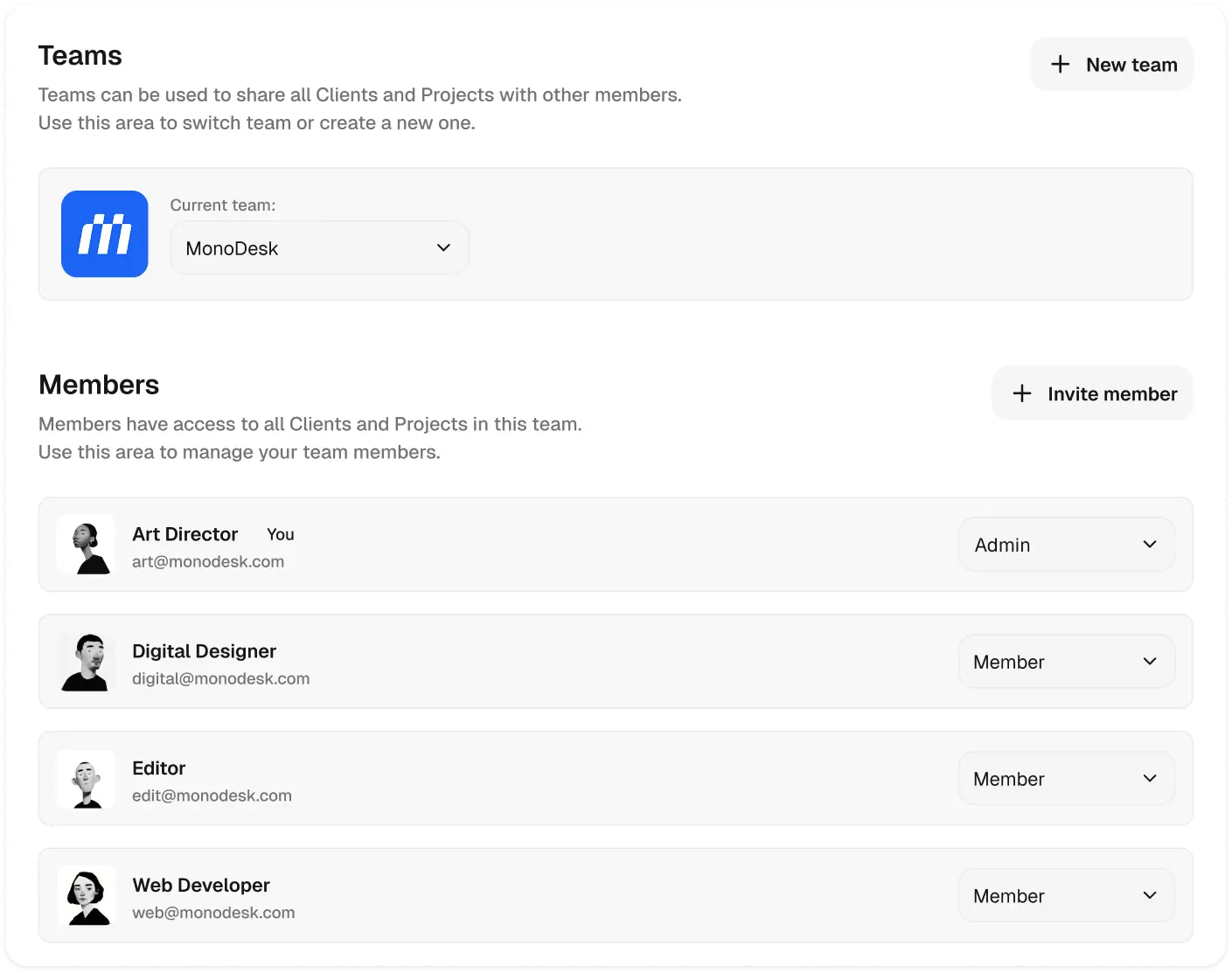
Teams in MonoDesk starts from a different premise: what does a small creative team actually need to collaborate well?
The answer is pretty simple. You need to see what everyone is working on. You need tasks to have clear owners so nobody’s stepping on each other’s toes. You need to share projects and clients without necessarily sharing everything. That’s most of it.
So that’s what we built. You invite people to your workspace. You assign tasks to them. You share the projects that are relevant to them. They see what they need to see. You see the full picture. Nobody has to ask the admin to adjust their permissions.
What we skipped on purpose. No role hierarchies. No approval workflows. No manager view with team analytics. That’s enterprise tooling dressed up as something small teams need, and in our experience, small teams don’t actually use any of it. They use it for a week because it’s there, and then they work around it.
The collaboration model is simple enough to explain in one sentence: everyone sees the shared projects, and everyone owns their own tasks. If that covers your needs, you’re set.
How it works with the Planner. Your Planner is still your week. It shows your tasks, your days, your capacity. But you can also pull up a teammate’s view to see how their week is shaping up. If you need to redistribute some work before Thursday, you can see at a glance whether they have room. No one-to-one message required, no “can I ask you something?”
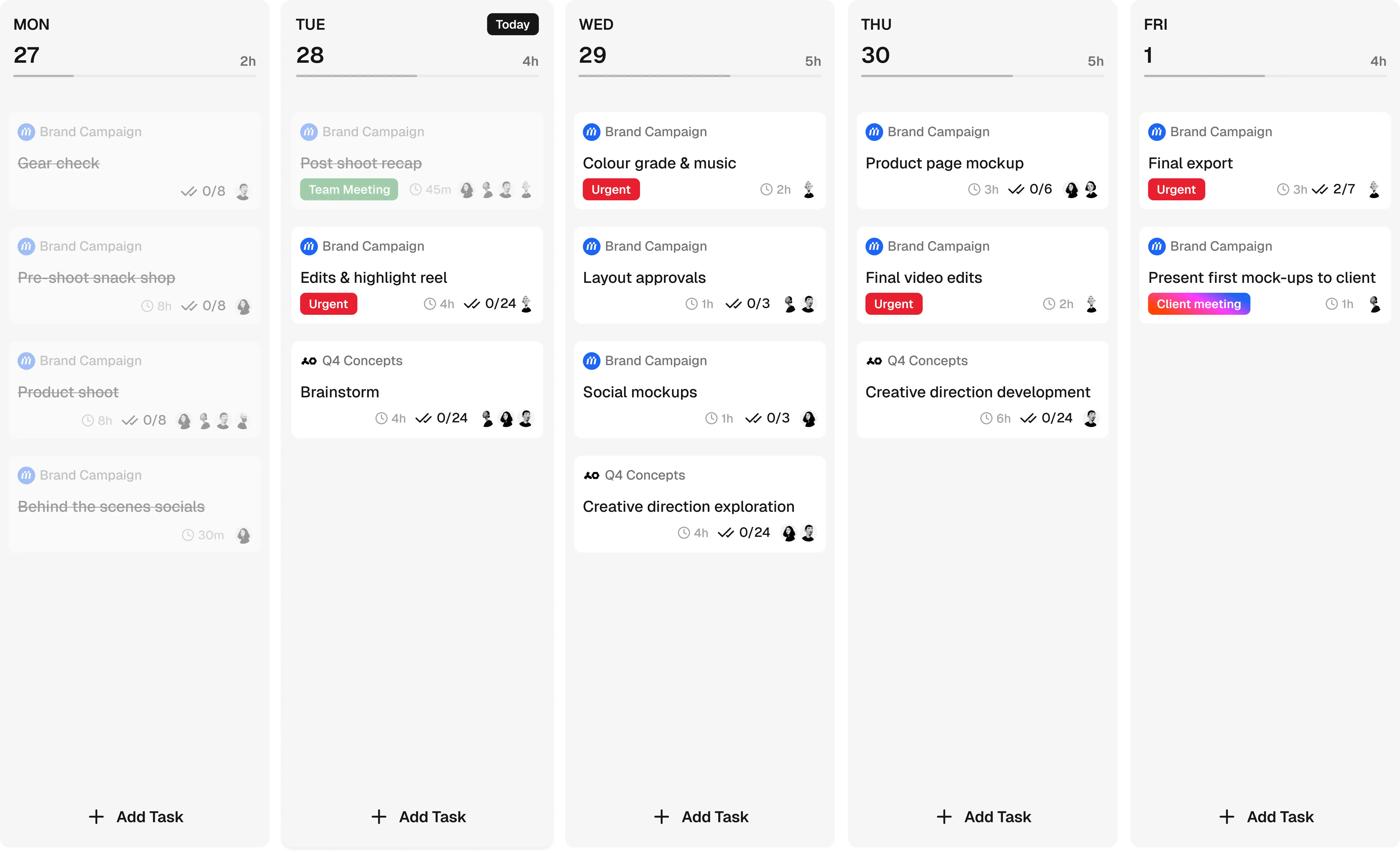
We’ll keep building on this. More collaboration features are coming as we learn how studios actually use the tool in practice. For now, it’s enough to share the work, own the tasks, and keep the week in view.
Invite your team. It’s free during beta.