


Clients & Projects: one place for everything about the gig
Every client gets a home. Every project gets context. No more scattered threads and mystery folders.


TL;DR: Every client gets a home. Every project gets context. No more scattered threads and mystery folders.
You win a new project and, almost immediately, the juggling starts.
You create a folder in Google Drive. You start a thread in Slack. You fire off a proposal in your invoicing tool, bookmark the client’s website, save their logo somewhere you’ll definitely remember, and add a card to Trello that says “kickoff call” with a due date two weeks out.
Three months later, the client asks a question about a decision you made in week one. You know the answer is somewhere. You just have to find it.
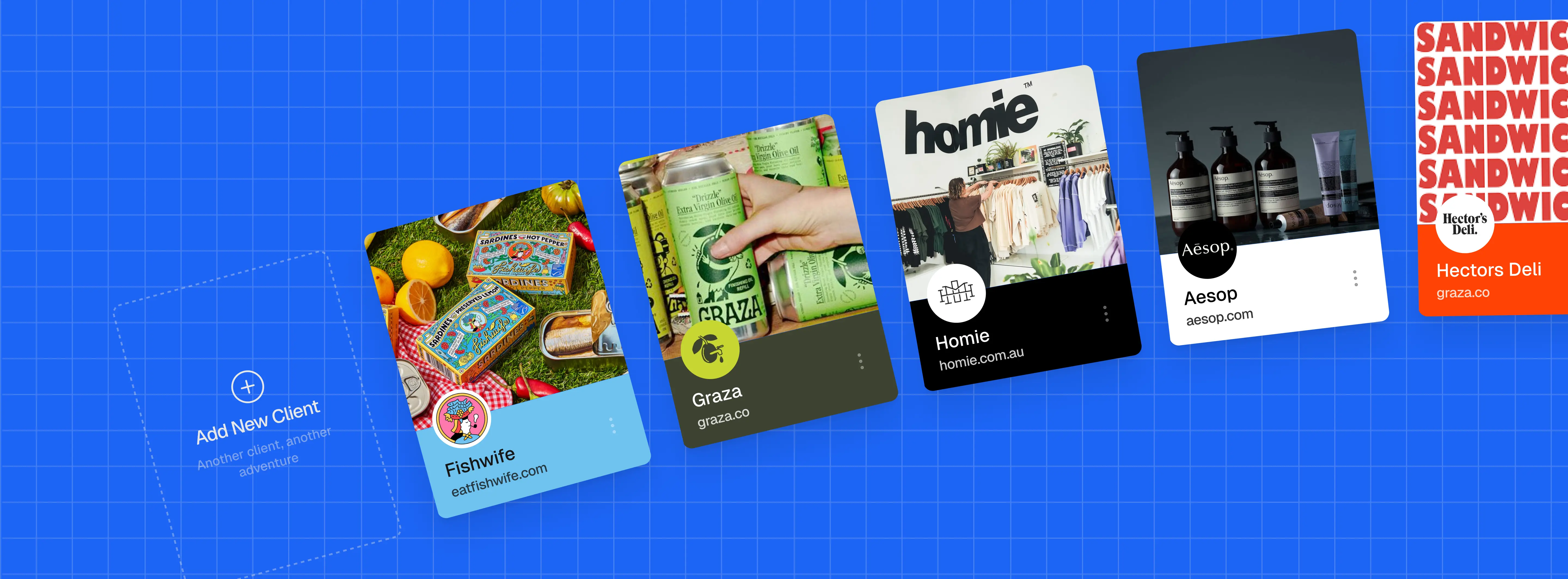
Clients & Projects was built for exactly this. Each client gets a profile: their name, contact details, and every project you’ve ever done with them in one place. Each project lives under its client. Tasks, files, conversations, everything that belongs to that project stays there.
Here’s what a real workflow looks like:
You land a new branding client. You create their profile in MonoDesk, add the basics, and create a project called “Brand Identity 2024.” You add tasks: discovery call, moodboard, logo concepts, revisions, final delivery. You attach the brief. You assign a due date. You’re set up and working in about four minutes.
When the client emails you three weeks in asking where things stand, you open the project, see exactly what’s done and what’s next, and reply with confidence. No tab-switching. No hunting.
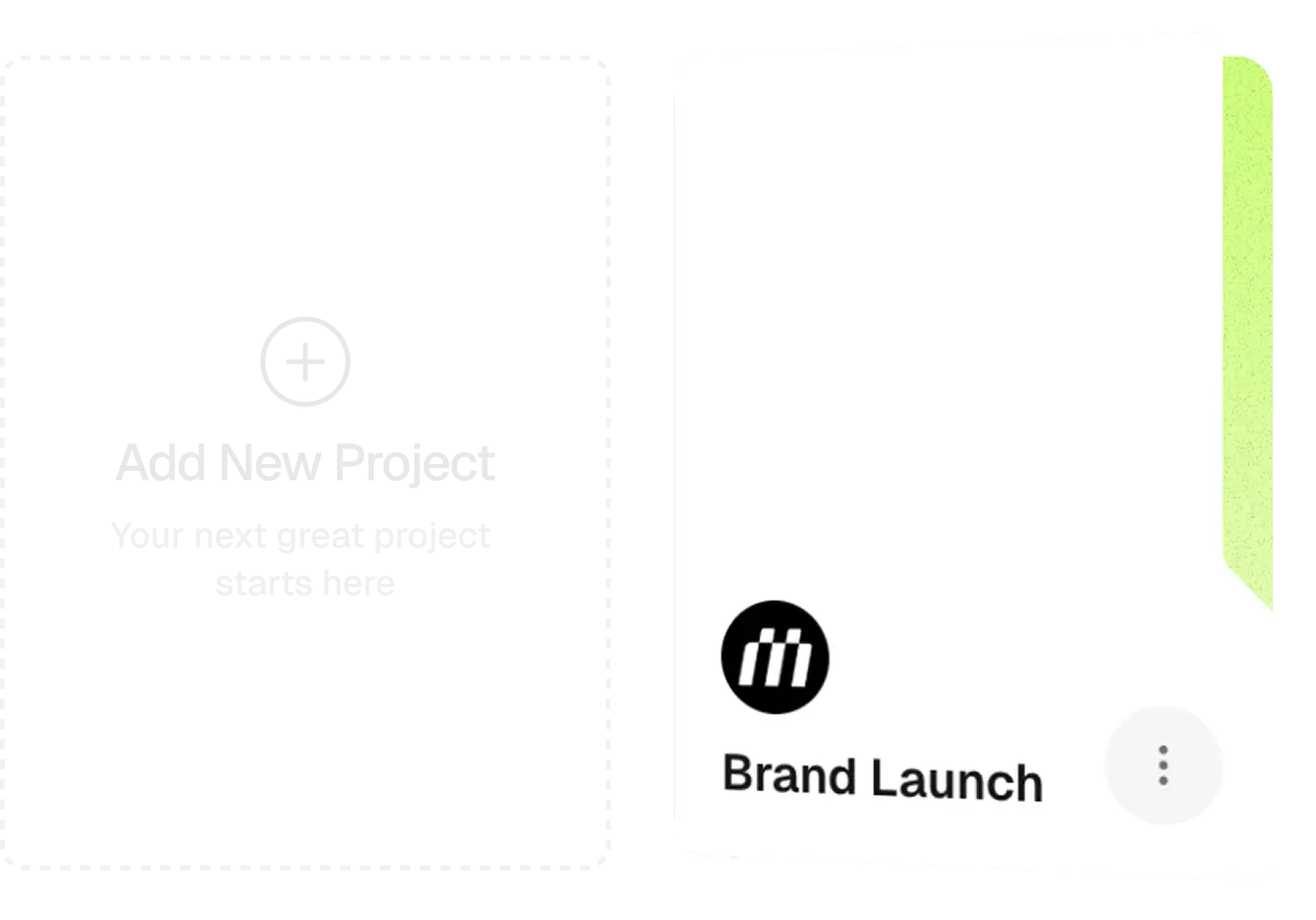
One thing worth calling out on the design side: the UI is built to be scannable without hiding information behind menus. The things you need to see are visible. The things you need to find are a single click away. There’s no clicking into a sub-menu to find a sub-menu. That sounds like table stakes, but it’s surprisingly rare.
We’re also extending this further with the Client Portal, which will give clients a way to see their own project status without you having to forward updates. More on that when it ships.
For now: your clients are organised, your projects have context, and you can find anything in about ten seconds.
Try it free. No credit card.